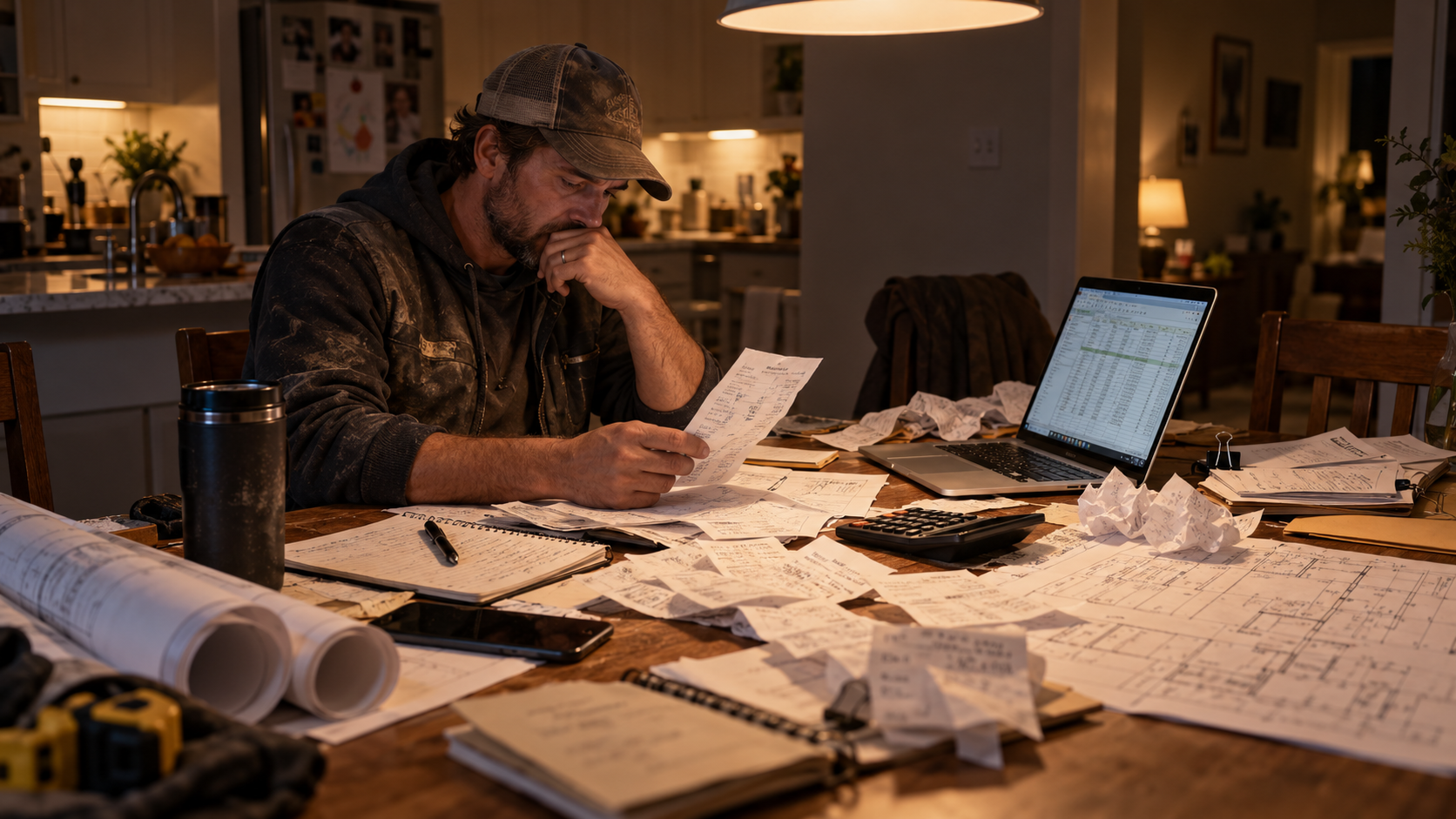
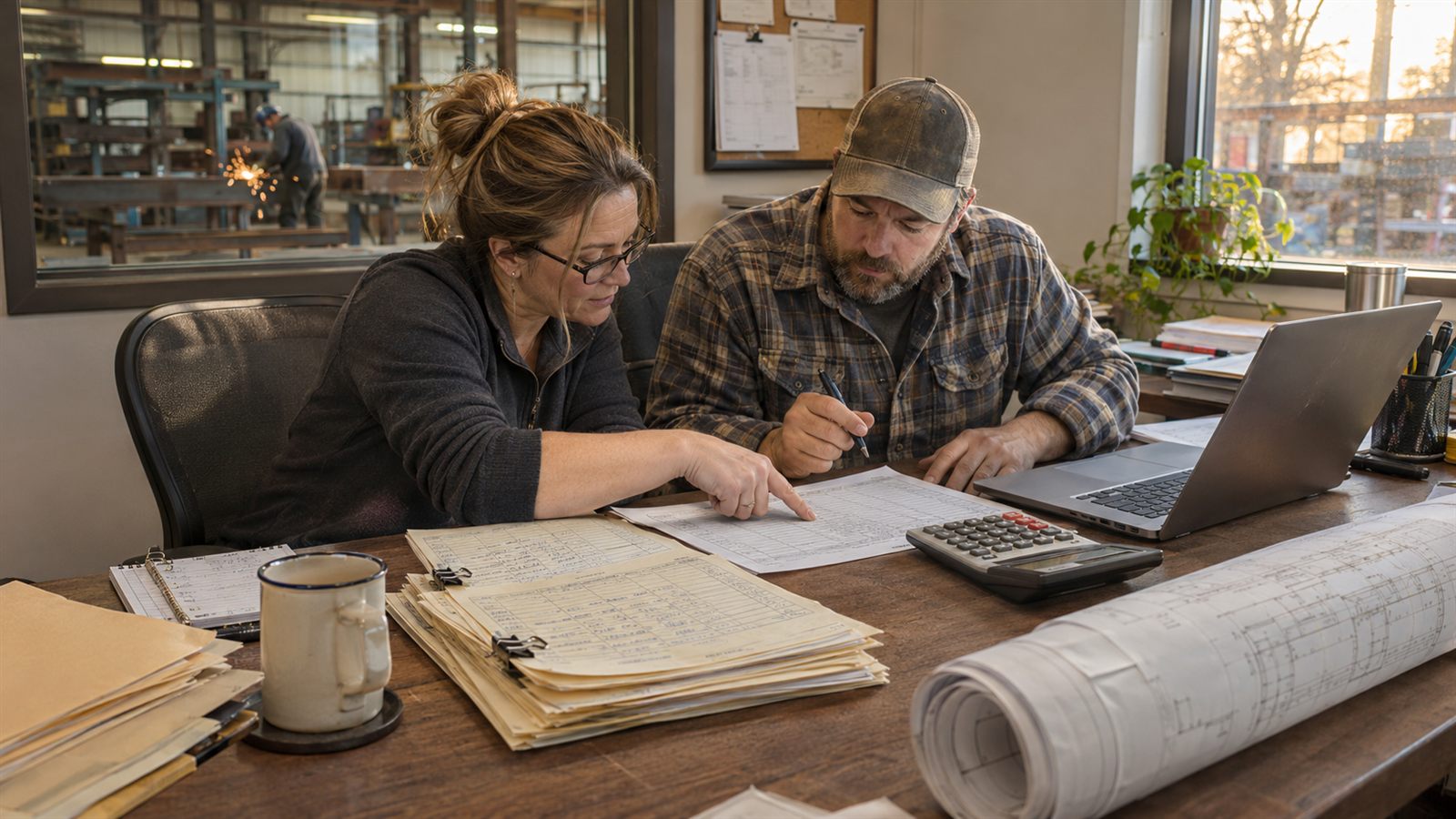
An owner we spoke with told us something that stuck. His crews already clock in on a phone app. The hours are recorded. And it still takes two people in his office a full day to work out what those hours mean.
That surprised us at first. It shouldn't have.
Recording hours isn't the hard part
For contractors who already record crew time, the first problem is solved. Someone writes the hours down, on paper, in an app, or in a text to the office. The record exists.
The hard part comes next. Each block of time has to be tied to the right job, at the right rate, and checked against what the job was supposed to cost. A foreman splits his day between two sites. A helper's card says nine hours when the office knows it means eight plus a lunch. A crew starts work at an address that isn't set up as a job yet. None of that is in the app. It's in someone's head, and that someone has to sit down and sort it out.
For this owner, with several large jobs running at once, that sorting is the job. Two people, a day at a time.
What "ballpark" costs you
Because the sorting is slow, the full picture comes late. He keeps a running sense of each job from experience: what a pound of steel costs installed, how many hours a piece of work should take, whether the numbers feel right against what his estimator allowed. He's good at it. Plenty of owners are.
But on his biggest, longest jobs, he told us he often doesn't know for certain whether he's on budget until he's six months in. Getting a firm answer sooner would mean pulling several people off their work to rebuild the hours and receipts from PDFs and email folders. He guessed it would take months.
So the decision gets made on feel. When his costs went up this year, he and his estimator raised their hourly rate with some quick math on the back of an envelope. It was probably the right call. He just couldn't prove it from his own records.
Put the hours on the job as they come in
The answer isn't asking the crew to do more. They already record their time, and working foremen have a job to run.
The change is where the sorting happens. If each time entry is matched to a job when it arrives, using the address, the crew, and what the job already looks like, then most of it is done before anyone in the office touches it. The office only looks at the entries that don't fit: the split day, the unfamiliar address, the card that doesn't add up.
That turns a day of reconstruction into a short review. And it means the hours are on the job this week, not at the end of the quarter, so the owner can compare them against the estimate while there's still time to act.
Where Pointload fits
We're building Pointload to do that matching. It reads time from the systems crews already use, such as QuickBooks Time, and from photos of paper sign-in sheets, then assigns each entry to a job. Anything it can't place with confidence goes to a person to decide. Nothing is approved by the system on its own.
It won't replace the owner's judgment about whether a job is going well. It gives that judgment real numbers to work with, sooner.
How long does it take your office to turn last week's hours into job cost? Tell us, and we'll show you what it looks like with your own timecards.